Skip to product information
1 of 1

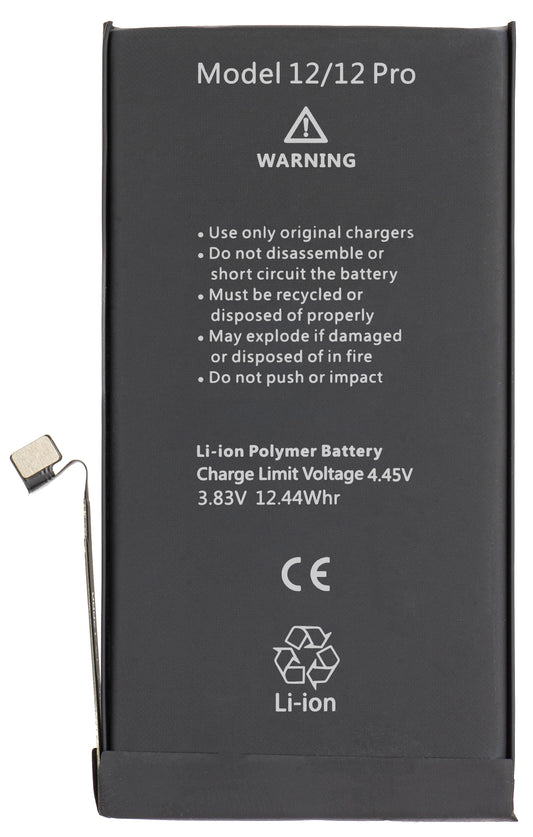
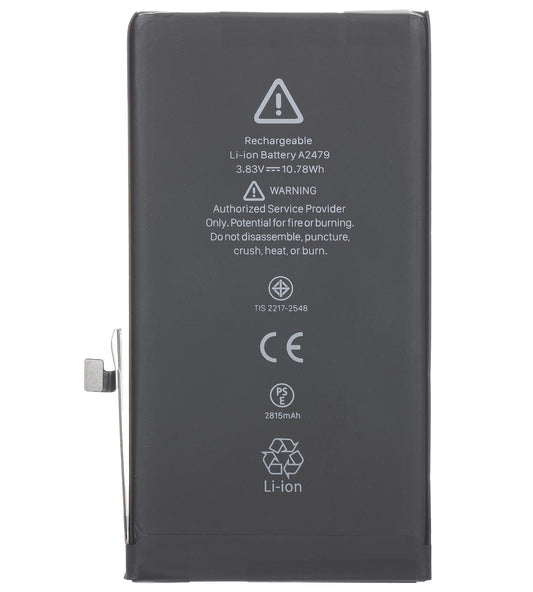
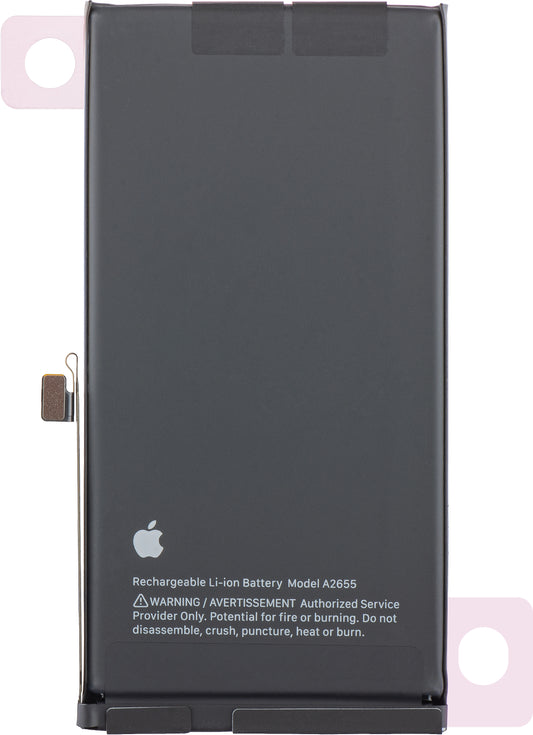
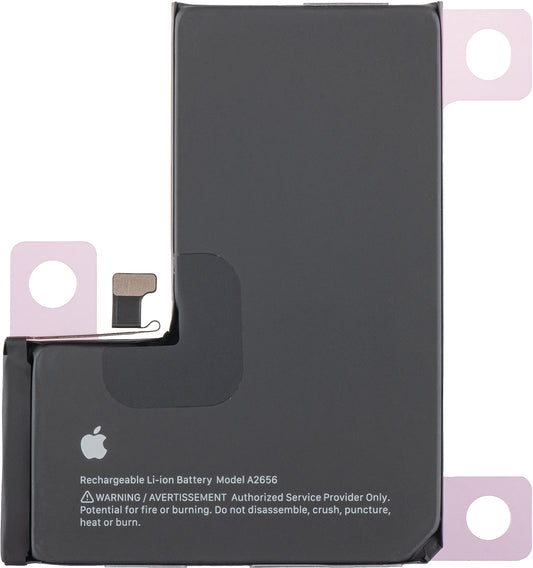
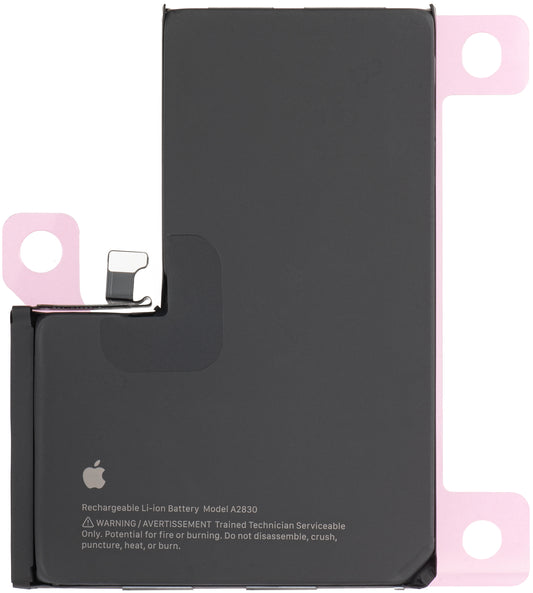
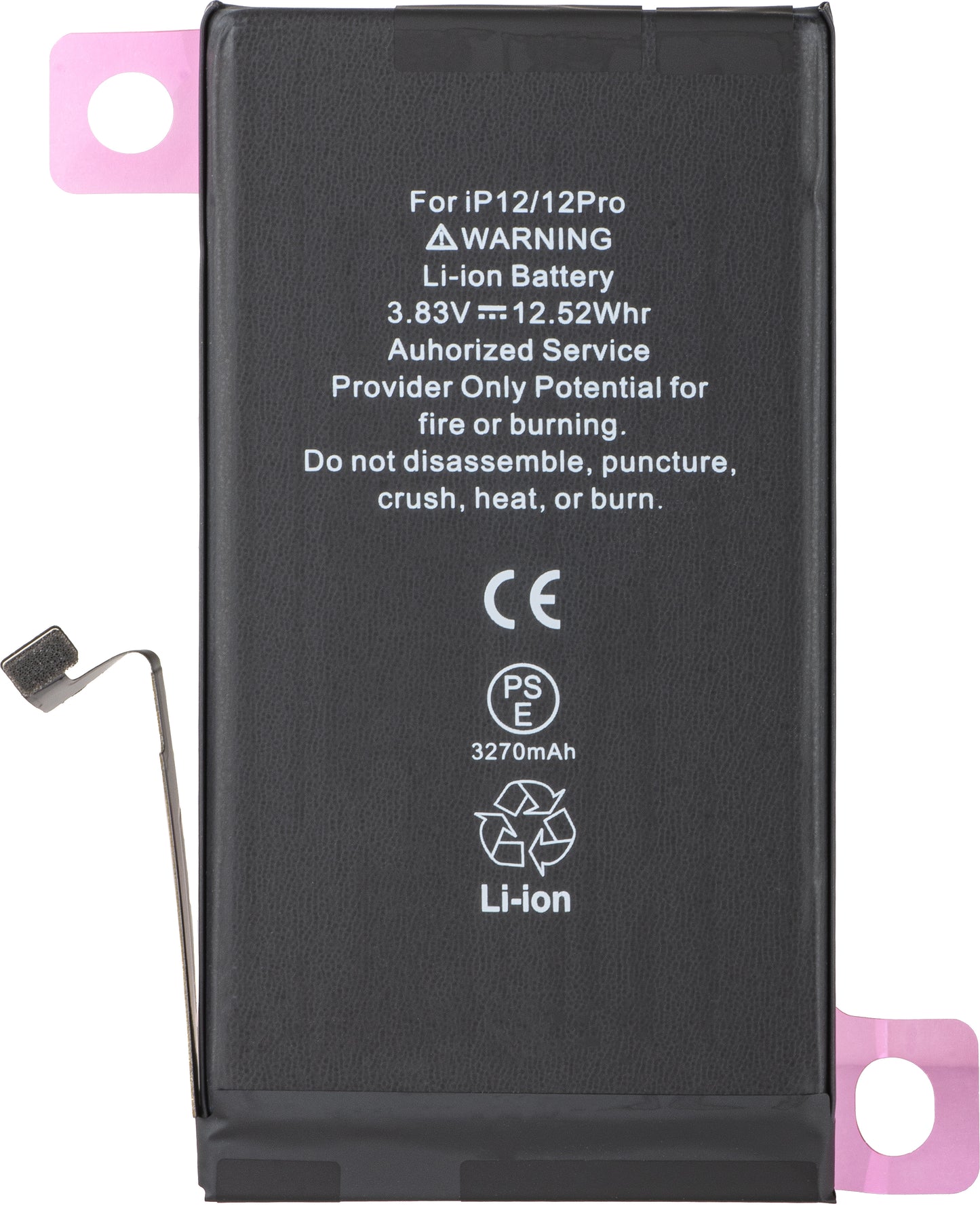
Apple iPhone 12 / 12 Pro Battery, Diagnostic High Capacity

Apple iPhone 12 / 12 Pro Battery, Diagnostic High Capacity

ID: 358385
EAN: 0660982733695
Regular price €21,42
Regular price €21,42 Sale price €21,42
VAT excluded. Calculated at checkout. Shipping calculated at checkout.
12 months

In stock

Delivery on time guaranteed

Receive your order on time with the help of our efficient and reliable delivery services.

Expert support team

From product questions to after-sales support, our team of specialists is here to help.

Return the product

If you are not completely satisfied with your purchase, please contact our customer service team. See more

View full details

Presentation

Capacity 3300mAh
Accumulator model Diagnostic High Capacity

Sale package

Aftermarket(info) New compatible part / manufactured in accordance with European Standards. It presents quality differences compared to the original part (Service Pack).
Content Battery / Battery Adhesive
Product status Aftermarket
Apple iPhone 12 / 12 Pro Battery

After installing the Diagnostic High Capacity battery, the repair is completed quickly, and the battery shows 100% health.
Compatible with the latest version of iOS, it eliminates pop-up warning messages and ensures optimal performance.
Installation is simple - install and use the phone immediately.

Apple iPhone 12 / 12 Pro Battery, Diagnostic High Capacity
Features:

- The original BMS board does not need to be soldered or attached; this protective board can be discarded or kept
- Battery health is directly 100%, without the need to rewrite the firmware
- No Warning Messages - No battery notifications appear after installation
- Direct Installation - No additional steps, install and use immediately
- Full compatibility with the latest version of iOS

Info! Installation must be performed by an authorized person from a GSM service center. Otherwise, it will lead to the loss of the product warranty.
Apple has introduced Repair Assistant, an innovative tool that allows calibration of new or used parts after replacement.


Battery Configuration Instructions:

 1. Make sure your device is updated to the latest version of iOS.

 2. Go to Settings  > General > About > Parts & Service History.


 3. Tap "Restart & Finish Repair" to activate Repair Assistant.


 4. Follow the on-screen instructions to complete the calibration.


 5.  After completing the process, the battery health will be displayed at 100%, without warning messages about non-original parts.


Notes:
  •  The iPhone must be connected to Wi-Fi.
  • Battery level must be above 20%.
  • If the process fails, restart the device and try again.
  • If the repair is not completed, certain functions (Face ID, Touch ID) may be affected until calibration is finished.


Customer Reviews

Be the first to write a review
0%
(0)
0%
(0)
0%
(0)
0%
(0)
0%
(0)

Alternative products

You may also like

Frequently bought together

Upsell to

Popular in same category